
First check whether the old page is still publicly available, or whether Google is showing an older indexed version of the correct page. Those are different problems. Your team can fix conflicting live destinations; Google must recrawl and reprocess changes before its search results necessarily reflect them. A successful website deployment proves neither indexing nor new customer demand.
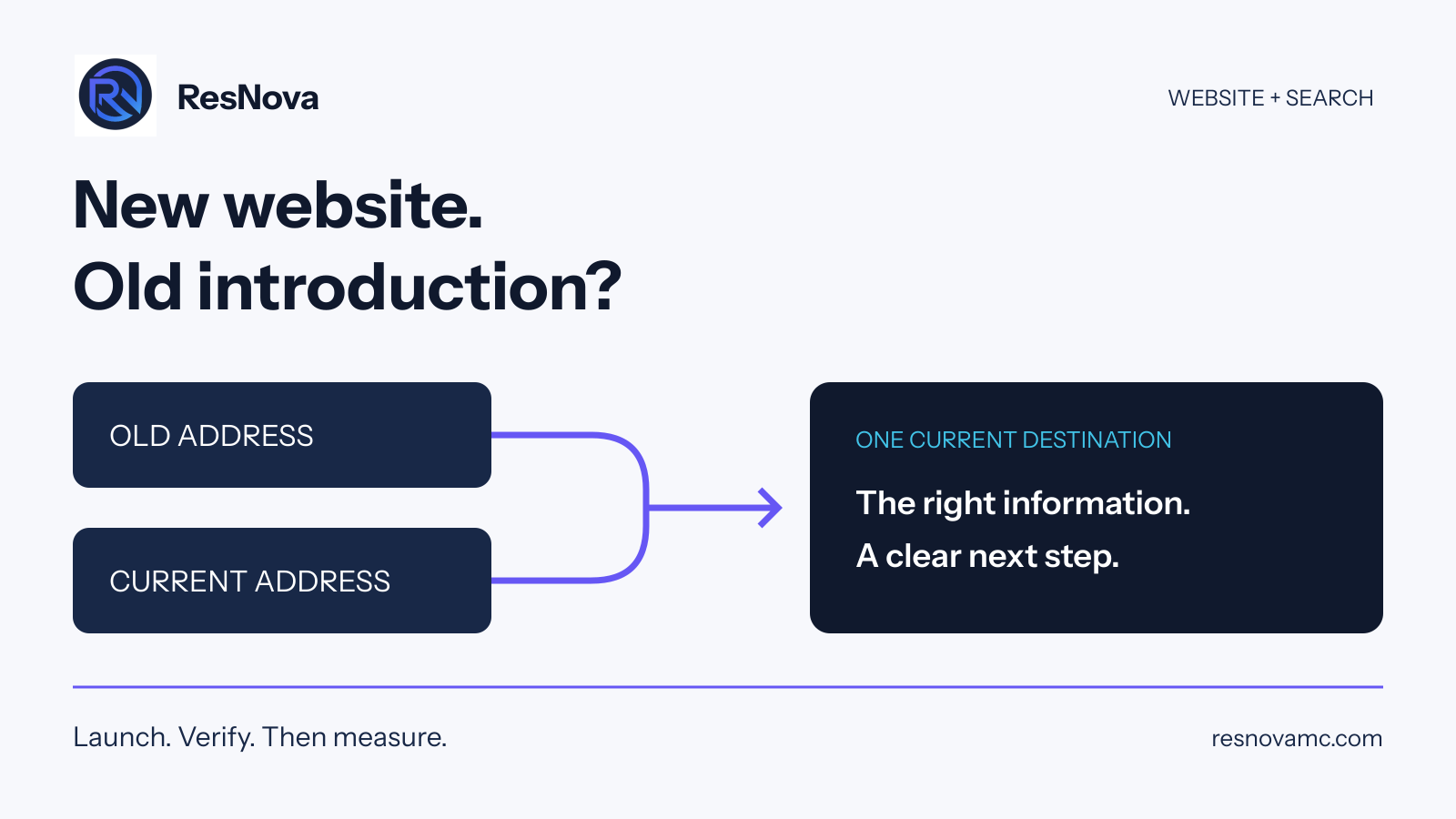
Start with the link your buyer actually sees
Imagine a distributor launches a clearer website with current product information and a better inquiry path. The owner checks the new homepage and signs off. A prospective customer follows an older search result and lands on a different host with outdated copy. That is an illustrative example, not a client result. The point is simple: reviewing the new homepage alone would miss the broken introduction.
Copy the exact address from the search result. Open it alongside the intended current page. Check the content, the final address and the route to a quote or conversation. Include a service page and an older link used by sales, rather than testing only the homepage.
Separate three situations before changing anything
The old and new websites are both live
This is a publishing and ownership problem first. Ask which host serves each address, which source contains the approved work and who can release changes. A bare domain and its www version may be routed differently. An old hosting address may also remain available. Do not delete a site until the team has preserved any approved content or functionality that exists only there.
The right page loads, but Google has selected another URL
A canonical URL is the version you prefer search engines to treat as the main page. Google describes redirects and canonical annotations as strong signals and sitemap inclusion as a weaker signal. These signals should agree. They express a preference; they do not guarantee Google's selection. See Google's canonical URL guidance.
The live site is correct and Google's indexed data is older
Check the indexed record before ordering more work. Google's URL Inspection tool distinguishes indexed information from a live test. The live test can help assess whether a page may be indexable, but it cannot predict Google's chosen canonical. Read the Google-selected canonical in the indexed data. See Google's URL Inspection documentation.
Give the team a repair brief, not “fix the SEO”
For each affected page, record the old address, the intended current destination, the observed behavior, the evidence date and the person responsible. For example: “The old product-service address still shows the retired inquiry form. It should lead to this current equivalent page.” That is an actionable instruction. “Google looks wrong” is not enough to choose a safe fix.
Where a page has permanently moved, Google recommends a permanent server-side redirect when available; both 301 and 308 indicate a permanent move. The target should preserve the purpose of the original link. See Google's redirect documentation. Your developer should check important paths and query parameters, not simply point every old address at the homepage.
The marketing lead owns the intended buyer journey and approved message. The developer implements the routing. Sales checks that the destination answers the questions prospects actually ask. Someone with publishing access retains the previous release and knows how to restore it if the change breaks the site.
A release check an owner can understand
- One intended destination: the old link reaches the correct current page, without a loop or an unrelated detour.
- One approved message: the page contains current services, accurate contact details and supported claims. Compare conflicting copies before discarding either.
- A usable next step: the inquiry form or booking route works on a phone as well as a desktop. Check required fields and confirmation behavior through an agreed test process.
- Consistent search signals: the canonical, sitemap and internal links identify the intended current URL. Confirm the page can be crawled and is not unintentionally excluded.
- A dated evidence record: save the release identifier, tested URLs, results and rollback target. Record any check that could not be completed.
These are ResNova's operating checks, not a promise of a particular ranking or validation timeline. A report should distinguish “redirect verified,” “Google review pending” and “qualified inquiry received.” They describe different stages of progress.
What to do while search catches up
Keep the business moving. Use the verified current destination in partner introductions, sales material and company posts. Watch genuine inquiries and whether visitors can reach the right person. Recheck search evidence after Google has had an opportunity to process the changes; repeatedly changing URLs makes the next diagnosis harder.
AI can help organize a URL inventory or flag inconsistent copy. People must decide which version is correct, approve the customer journey and verify the result. A tool cannot establish that an old claim is true simply because it appears on a page.
If a website change keeps falling between your agency, developer and sales team, the missing piece may be marketing leadership. ResNova coordinates the decisions and follow-through across those teams. Start with our Marketing System Assessment, explore website and conversion support, or book a conversation about the gap. For measurement after the repair, use our guide to visibility and qualified demand.
Sources and further reading
Put the framework to work
Find the constraint in your growth system.
ResNova can diagnose the current path, set the priorities and build the strategy, execution and infrastructure required to improve it.
Book a Growth Strategy Call ↗